
Events difficult to reconstruct
Brakes, impacts or disputes require context in addition to numerical data.
Zenit AI Dashcam is the video telematics module of the Zenit Fleet Management Platform. When devices and configuration support it, the module links an event video to the vehicle, location, route and available technical data for review and coaching. It helps analyze events, but does not promise to prevent accidents.
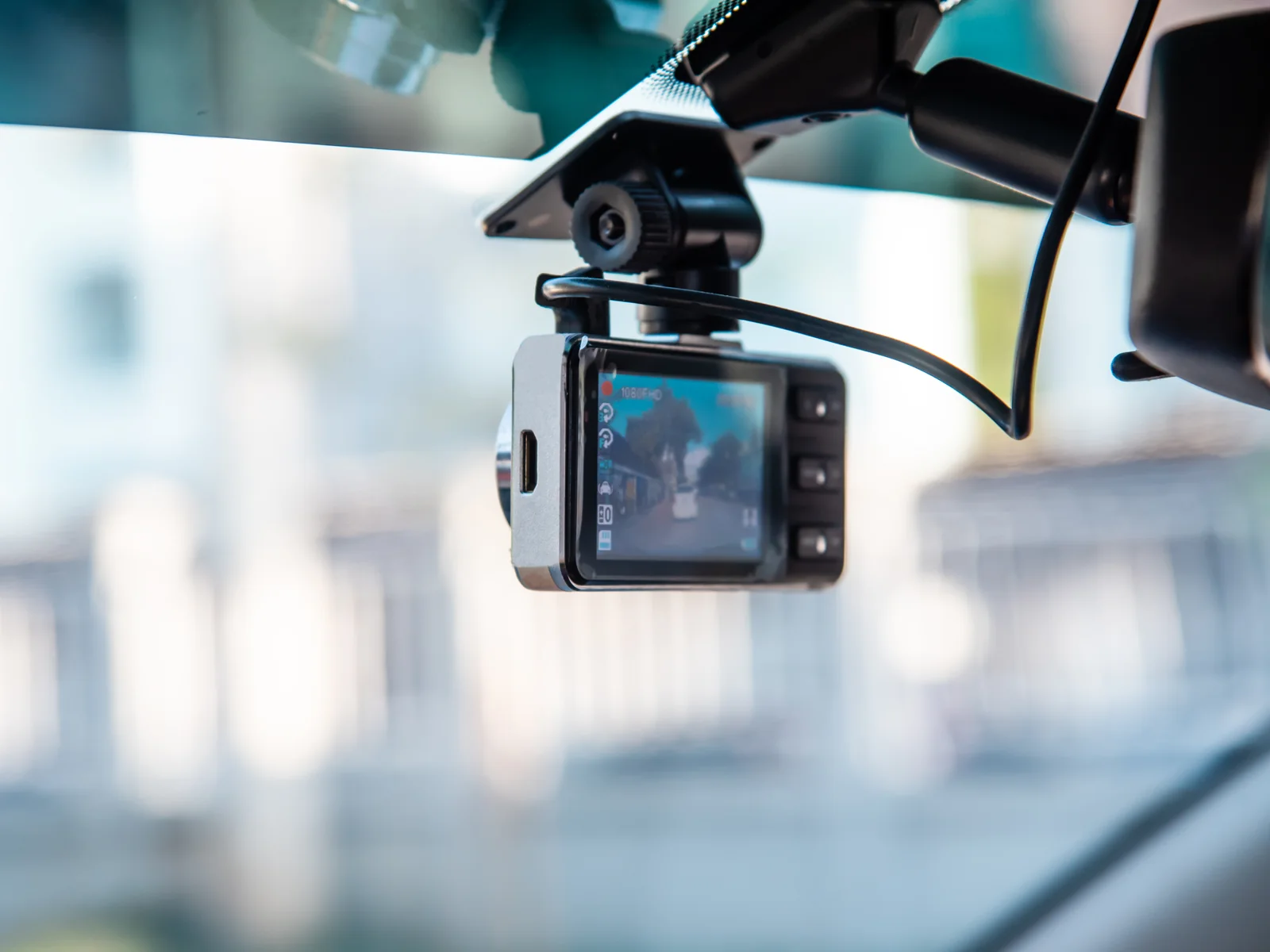
Video linked to an event can help the team reconstruct what happened, assess risk and manage the discussion with the driver under company policies.
Events difficult to reconstruct
Brakes, impacts or disputes require context in addition to numerical data.
Unfocused coaching
Without controlled evidence and clear policies it is more difficult to start constructive conversations.
Unordered risks
Events must be filtered and classified to avoid operational noise.
Privacy to be governed
Videos, roles and access require clear and verifiable in-house rules.
Video data disconnected
The video loses value if it does not communicate with position, vehicle, time and technical data.
Shared responsibilities
Operations, safety and HR must work on a controlled information basis.
Each event remains connected to the vehicle, position and moment, to understand what really happened before drawing conclusions.


Position
Event and path read together, not in two separate instruments.
The screenshots show the Zenit demonstration environment, with faces and vehicle registration numbers obscured: no connection to the customer operating platform.
The module connects video, available vehicle data and location in the Zenit Fleet Management Platform, with access and policies defined by the company.
Isolated video
Difficult archive
The videos remain separated from the operational context and require manual searches.
Unordered events
Too many reports risk becoming noise for the team.
Unclear access
Without roles and purpose, video can create friction instead of confidence.
Video in the Zenit system
Contextual event
Video, vehicle, route, time and alert are read in the same scenario.
Guided review
Relevant events are sorted to support safety and coaching.
Governance
Access, policies and responsibilities remain part of the configuration path.
Functions are presented conservatively: they depend on devices, configuration, policies and connected modules.
Video events
Acquisition and review of relevant events according to company configuration and policy.
Configured risk detection
Support for defined risk scenarios, without promising universal or infallible detection.
Accident reconstruction
Video context to support in-house reconstruction, when available and managed correctly.
Coaching
Check evidence for conversations about driving style and safety policy.
Controlled access
Roles, purposes and visibility to be configured based on company responsibilities.
Vehicle data integration
Connection with position, vehicle and technical data when modules and configuration allow it.
Operational visibility
Video events read within fleet management, not as a separate archive.
Privacy and process
The tool supports controlled use; purposes, access and conservation are decided by the company.
The dashcam does not replace company management: it provides video and available data that the team must evaluate under defined rules, roles and purposes.
Clearer events
Video can add context to data, location and alerts.
More concrete coaching
Conversations can start from relevant episodes, not from generic perceptions.
Governed access
Roles and purposes help you use video in a controlled way.
Integrated data
Video, GPS and vehicle can feed a unique safety reading.
Detect
Events and risks configured according to devices and policies.
Review
Video context with authorized access.
It gets better
More readable coaching and safety processes.
The on-board analysis functions depend on the device installed, its configuration and the conditions of use: they are not the same on all vehicles and we don't say so. Purpose, access, retention times and information to drivers remain company decisions: Zenit provides the tool and access controls, not the policy that governs them.
Where you drive changes what the video should be able to show.
Transport and logistics
A traffic accident remains one word against another until there is a video with a time on it.
passenger transport
There are passengers on board: the reconstruction of an event concerns them too, and the video is never just of the driver.
Field Service
There are technicians driving, not professional drivers: the comparison starts from real events rather than from a generic course.
Construction and construction sites
Manoeuvring in tight spaces with people nearby is where minor incidents often go unreported.
The same recording, four uses that should not be confused.
Answers designed to clarify context, privacy, integration and limitations of the solution.
No. Zenit can support detection of configured risks, event review and coaching, but does not promise absolute prevention nor replace responsible guidance, company policies or human evaluation.
Video events can help reconstruct dynamics, verify context, support coaching conversations and internally document relevant episodes, according to configuration and policy.
The page does not define a legal policy. Zenit presents controlled access, roles and purposes as project requirements; the company must define policies, information and responsibilities with competent support.
Yes, when the modules involved are active and the configuration allows it. A video event can be read together with position, route, vehicle, alert and technical data from the same moment, rather than as an isolated video. Which connections are available depends on the modules activated on the fleet and the configuration chosen.
The demo clarifies objectives, policies, devices, access roles and the connection with GPS, CAN bus and the fleet management platform.
We use necessary technical cookies. With your consent, we may use analytics cookies to measure the site and Meta Pixel to attribute campaigns, build audiences and personalise advertising. You can reject or choose each category; the site will still work. Cookie policy · Privacy policy